WhatsApp Business App vs. WhatsApp Business Platform: What’s the Difference?
Features, costs as of October 2026, team and automation limits, and how to choose between Meta's two WhatsApp options for business.
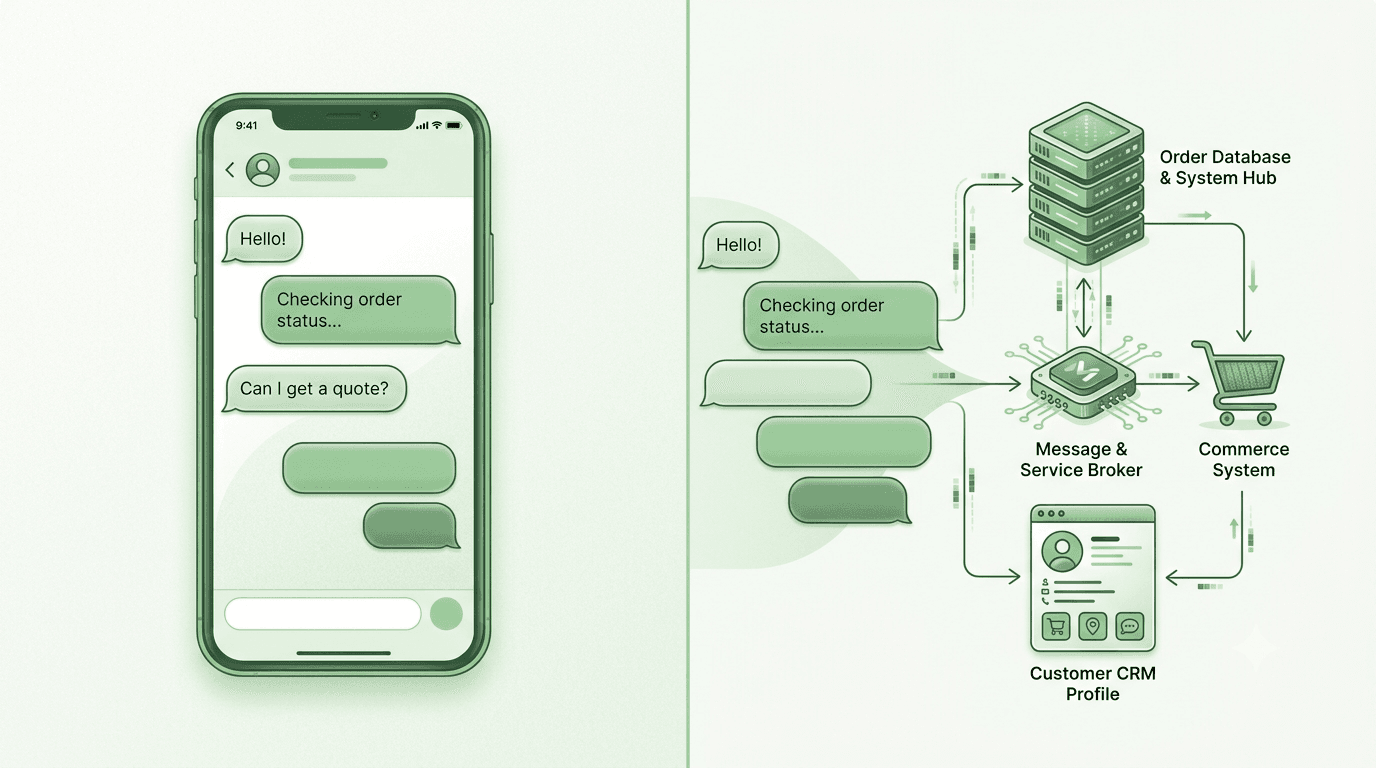
If your customers already message you on WhatsApp, you have probably come across the two products Meta offers businesses: the WhatsApp Business app and the WhatsApp Business Platform (still widely called the WhatsApp Business API). The names are close. The products are not.
The app is a phone app you run your business conversations from. The Platform is not an app at all — it is the access point that lets software send and receive WhatsApp messages on your behalf. Picking the wrong one either leaves you doing by hand what software could do, or paying for infrastructure you do not need yet.
The rest of this guide covers what each one does, what each one costs as of October 2026, where each one runs out of road, and how to decide.
What is the WhatsApp Business app?
The WhatsApp Business app is a free download for Android and iPhone, separate from personal WhatsApp and designed for small businesses. It works like the WhatsApp you already know, with a set of business tools added:
- Business profile: your description, address, opening hours, website and contact details.
- Catalog: products and services customers can browse without leaving the chat.
- Quick replies: saved answers to the questions you get every day.
- Greeting and away messages: automatic replies for first contact and outside your hours.
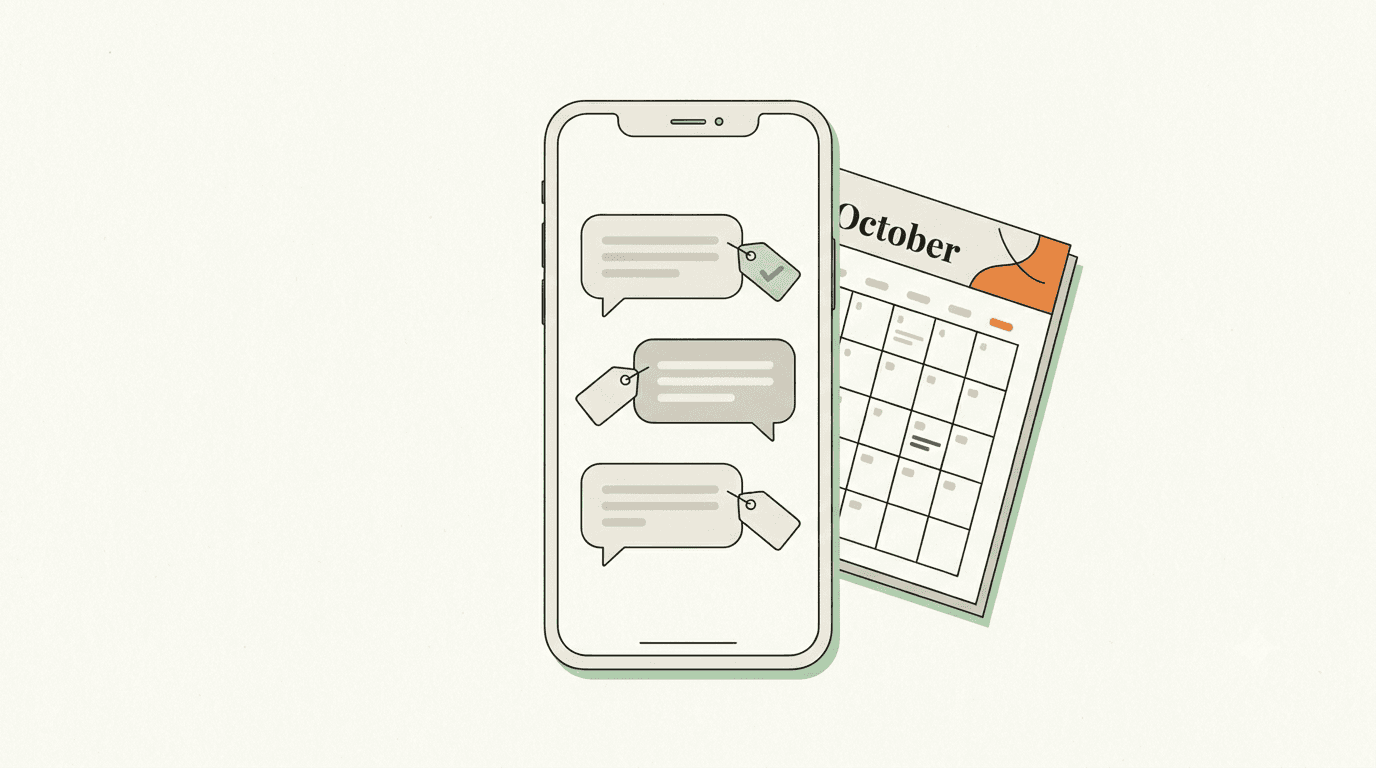
- Labels: colour tags to sort chats — “new order”, “awaiting payment”, “follow up”.
- Broadcasts: classic broadcast lists send one message to up to 256 contacts, but only reach people who have saved your number. In some markets the app also offers newer business broadcasts, which can reach customers who haven’t.
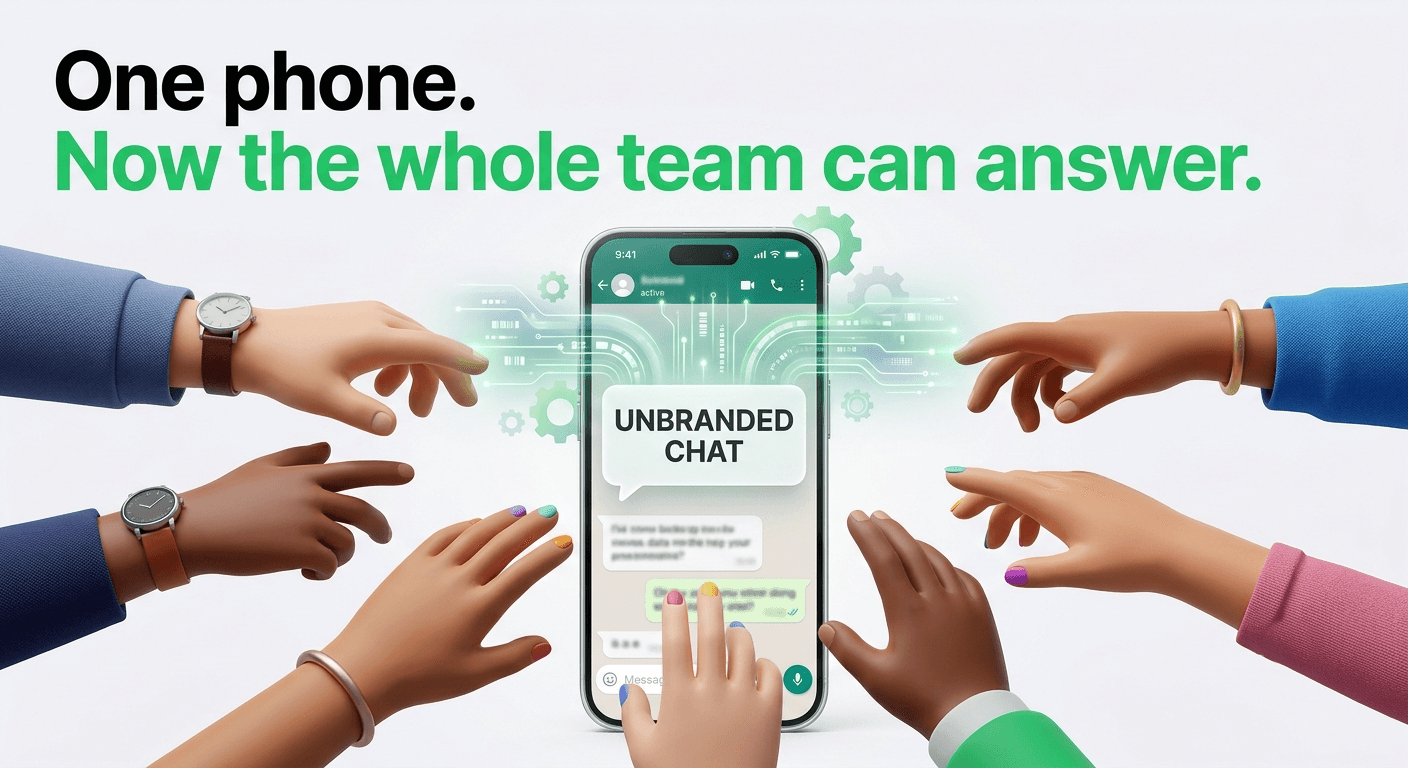
You can also link the account to a few other devices, such as a computer or a tablet, so more than one person can help reply. But it is still one shared account, and the app has few tools for dividing work between people — routing chats, tracking who owns each one, and reporting on response times are what dedicated team software adds. Some markets also offer optional paid extras such as Meta Verified, but the app itself and the messages you send from it cost nothing.
Imagine you own a clothing store. Customers message you about sizes, prices, stock and delivery. You answer by hand, use quick replies for the common questions, and share catalog items when someone asks what you have. For a business at that scale, this may be everything you need.
The app usually runs out of road in one of three places: more than a couple of people need to answer customers; you want messages triggered by something happening elsewhere, like an order being placed or an appointment being booked; or you need to reach more customers than a broadcast list can.
What is the WhatsApp Business Platform?
The WhatsApp Business Platform is Meta’s set of APIs for business messaging — today, mainly the Cloud API, which Meta hosts. It lets software send and receive WhatsApp messages for your business.
Meta does not give you a chat screen for it. You either build on the API yourself, which takes a developer, or use software from a provider that has already built the inbox, the automation and the integrations on top of it.
Say you run an online store receiving hundreds of orders a day. With the Platform you could:
- Send an order confirmation the moment a purchase is made.
- Message the customer automatically when the order ships.
- Answer common questions with a chatbot, and hand over to a person when the bot is stuck.
- Route each conversation to the right agent — sales, support or returns.
- Send approved promotional messages to customers who have opted in.
- See each chat next to the customer’s order history.
It is worth being clear about who provides what. Meta provides the messaging layer: the API, message templates and their approval, delivery receipts, and the quality and limit rules attached to your number. The software you connect provides almost everything you actually look at: the shared inbox, the chatbot builder, the campaign tools, the CRM sync and the reports. Two businesses on the same Platform can have very different experiences depending on the software they use.
The key differences, side by side
Getting started
App: download it, verify your phone number, set up your profile. Minutes. Platform: connect a number through Meta directly or through a provider, link it to a Meta business portfolio, and get message templates approved before you can start conversations with them. Usually a day or two, longer if your business details need fixing.
Cost
App: free. Platform: Meta charges per delivered message, plus whatever your software provider charges. Details in the next section.
Messaging customers first
App: you message people manually, or use the app’s broadcast tools, which have their own reach limits. Platform: to start a conversation, or to reply more than 24 hours after a customer last wrote, you must use a pre-approved template, and the customer must have agreed to hear from you.
Automation
App: greeting messages, away messages and quick replies. Platform: whatever your software supports — chatbots, AI replies, routing rules, and messages triggered by events in your store, CRM or booking system.
Teams
App: one account shared across a few linked devices. Platform: as many agents as your software allows, with chat assignment, internal notes and a shared history.
Integrations
App: very limited — your catalog, and Click-to-WhatsApp ads created from the app. Platform: built for it. Stores, CRMs, payment tools and your own systems can all send and receive messages.
Volume
App: as much as a person can type. Platform: governed by messaging limits — a cap on how many different customers your business can start conversations with in a rolling 24 hours. New numbers start low and Meta raises the limit as long as your quality stays good. Replies to customers who message you first do not count against it.
Best for
App: owner-run and small businesses with a conversation volume one or two people can handle. Platform: businesses that need integrations, automation or a team working the same inbox.
How much does each option cost? (as of October 2026)
WhatsApp Business app
Free to download and use. Meta does not charge for messages sent from the app; you only pay for your mobile data or Wi-Fi.
WhatsApp Business Platform
Expect two separate bills.
1. Meta’s messaging charges. Since July 2025, Meta has charged per delivered message, replacing the older per-conversation model. The price depends on the message category and the country code of the person receiving it:
- Marketing templates (offers, announcements) are charged every time — even inside an open conversation.
- Utility and authentication templates (order updates, one-time passcodes) are charged, with lower rates at higher monthly volumes.
- Service messages — ordinary replies inside the 24-hour window after a customer writes to you — became chargeable on October 1, 2026. Each business phone number gets the first 1,000 service messages free every month; after that, they cost the same as a utility message in that market. Utility templates sent inside that window, which used to be free, are now charged too.
- The exception: when a customer reaches you from a Click-to-WhatsApp ad on their phone, and you reply within 24 hours, Meta doesn’t charge for your messages, templates included, while a free entry point window is open. Meta’s developer docs now say that window may remain open for up to 7 days.
2. Your software provider’s fees. This could be a monthly subscription, per-seat pricing, usage fees, or a one-off setup cost. Ask how Meta’s charges reach you: passed through at cost, marked up, or billed by Meta directly to your own card.
The October change matters most for support-heavy businesses. A store that sends 3,000 support replies a month from one number now pays for 2,000 of them. It also means ordinary replies on the Platform are no longer free by default — something most guides written before 2026 still assume.
Meta only changes prices on January 1, April 1, July 1 and October 1, so check the current rate cards before you put a number in a budget.
Practical advice: do not compare the two only on direct cost. Count the hours your team spends answering the same questions, chasing order updates and copying details between tools. Automation earns its keep when the time it saves and the experience it gives customers outweigh the total cost — and not before.
What does this look like in practice?
A local service business
A salon gets appointment questions and booking requests on WhatsApp. One person handles them, using quick replies for prices and opening hours. A reasonable fit: the WhatsApp Business app.
An online store
A customer buys online. The store wants to confirm the order, send a shipping update, and let the customer ask about it in the same thread. A reasonable fit: the Platform connected to the store, sending approved utility templates when each order event happens.
A growing support team
Five agents share incoming chats. Conversations need to be assigned, tracked, and handed over without the customer repeating themselves. A reasonable fit: the Platform with shared-inbox software.
These are patterns, not rules. A two-person business can genuinely need automation, and a large company may keep some conversations manual. What decides it is how much work you need WhatsApp to do, not the size of your company.
Can you use the app and the Platform on the same number?
Yes. Meta calls it coexistence. You connect the number you already use in the WhatsApp Business app to the Cloud API through a provider’s onboarding flow, confirming the connection from the WhatsApp Business app on your phone. Afterwards you keep using the app as before, and the same number becomes available to your software for automation and team inbox work.
According to Meta’s documentation, the trade-offs are:
- Messages you send from the app stay free; messages sent through the Platform are charged as usual.
- Up to six months of existing chat history can be brought into the connected software.
- Group chats are not synced, broadcast lists in the app are disabled, and disappearing and view-once messages are switched off in one-to-one chats.
- The number is limited to 20 messages per second — plenty for most small businesses.
- Keep the phone active. If the main phone running the app goes unused for about 14 days, the connection drops.
The alternative is to move the number fully onto the Platform. You give up the app on that number, and every conversation runs through your software. Coexistence suits a number that is already in daily use; a full move suits a fresh line, or a team that wants everything in one inbox. Availability varies by country and by provider, so confirm both before you connect an existing number.
Rules to know before using the Platform
The Platform is more flexible than the app, but it is not a bulk-messaging tool with the limits removed. A few rules shape everything you do on it:
- Opt-in comes first. You need a customer’s permission before sending them business-initiated messages.
- Templates are reviewed. Every template is approved and categorised as marketing, utility or authentication — and Meta can recategorise one that does not match its content, which changes its price.
- The 24-hour window. Each message a customer sends opens or resets a 24-hour window for free-form replies. Outside it, templates only.
- Quality affects reach. When customers block or report your messages, your quality rating drops, and with it your ability to raise your messaging limit.
- Leave a way out of the bot. Automated flows should always let a customer reach a person.
Read the WhatsApp Business Messaging Policy before your first campaign; it is shorter than most terms of service and covers what gets accounts restricted.
How to choose
You do not need the Platform just because you run a business. You probably do need it if two or more of these are true:
- More than two people answer customers on WhatsApp.
- You want messages sent automatically when something happens elsewhere — an order, a booking, a payment.
- You message more customers, more often, than the app’s broadcast tools comfortably handle.
- You need to know who handled each chat and how quickly.
- Conversations need to sit next to customer or order records.
If only one is true, find the task taking the most time — repetitive questions, order follow-ups, routing — and check whether one integration solves it. If you are in between, coexistence lets you add the Platform without giving up the app.
Where does WAPGROWAI fit?
WAPGROWAI is software built on the WhatsApp Business Platform. It provides the layer Meta leaves to providers: a shared team inbox with assignment and internal notes, campaigns sent from approved templates, no-code chatbots and an AI agent that answers from your own knowledge base, and Shopify order updates and abandoned-cart reminders.
It supports both connection routes described above — a new number, or coexistence with the Business app you already use. Its help center has a step-by-step guide to that choice.
Whichever provider you evaluate, ask the same three questions: how Meta’s charges are billed to you, whether the integrations you need exist today rather than “on the roadmap”, and whether coexistence is supported if you want to keep the app.
Frequently asked questions
Is the WhatsApp Business app free?
Yes. The app is free to download and Meta does not charge for messages sent from it. Some markets offer optional paid add-ons such as Meta Verified.
Is the WhatsApp Business API the same as the WhatsApp Business Platform?
Yes, in practice. “WhatsApp Business API” is the older and more common name; Meta now calls the product the WhatsApp Business Platform, and its main API is the Cloud API.
Can I send bulk messages from the WhatsApp Business app?
To a degree. Broadcast lists reach up to 256 contacts who have saved your number, and some markets also offer business broadcasts in the app. For larger or automated sending, you need the Platform, approved marketing templates and customers’ opt-in.
Do I need a developer to use the Platform?
Only if you build on the API yourself. Most businesses use a provider whose software handles the connection without code.
Can I keep my existing WhatsApp Business number?
Yes. Either connect it with coexistence and keep using the app, or move it fully onto the Platform.
Final thoughts
The app and the Platform are built for different amounts of work. The app is a direct, free way to talk to customers from a phone. The Platform connects WhatsApp to the rest of your business so software can do the repetitive parts.
You do not have to start with the most sophisticated option. Start with what you need now, notice where your current process strains, and move to automation when it solves a real problem.
The right choice is the one that lets you serve customers well without adding complexity you do not need.
Further reading
- WhatsApp Business app — official overview
- WhatsApp Business Platform — Meta for Developers
- Pricing on the WhatsApp Business Platform
- WhatsApp Business Platform FAQs
- WhatsApp Business Messaging Policy
Sources
- WhatsApp Business Platform overview — Meta for Developers
- Pricing on the WhatsApp Business Platform — Meta for Developers
- Pricing for non-template messages — Meta for Developers
- WhatsApp Business Platform FAQ — WhatsApp
- Onboarding WhatsApp Business app users (coexistence) — Meta for Developers
- WhatsApp Business Messaging Policy — WhatsApp
- WhatsApp Business app — WhatsApp
Three more,
worth your time
Ready togrow on WhatsApp?
Join 10,000+ businesses turning conversations into revenue.
Start free trialBook a demo