
What Is a WhatsApp Chatbot, and Does Your Business Need One?
What a WhatsApp chatbot is, how it differs from an auto-reply and an AI agent, what WhatsApp allows, and a quick test for whether your business needs one.
A WhatsApp chatbot is an automated conversation that runs on your business's WhatsApp number: it greets customers, asks questions, offers buttons and lists to tap, collects details, and passes the chat to a person when it should. Most businesses that answer the same questions every day, or get messages outside working hours, benefit from one. Businesses with a handful of complex, one-off conversations a day usually don't need one yet.
What a WhatsApp chatbot actually is
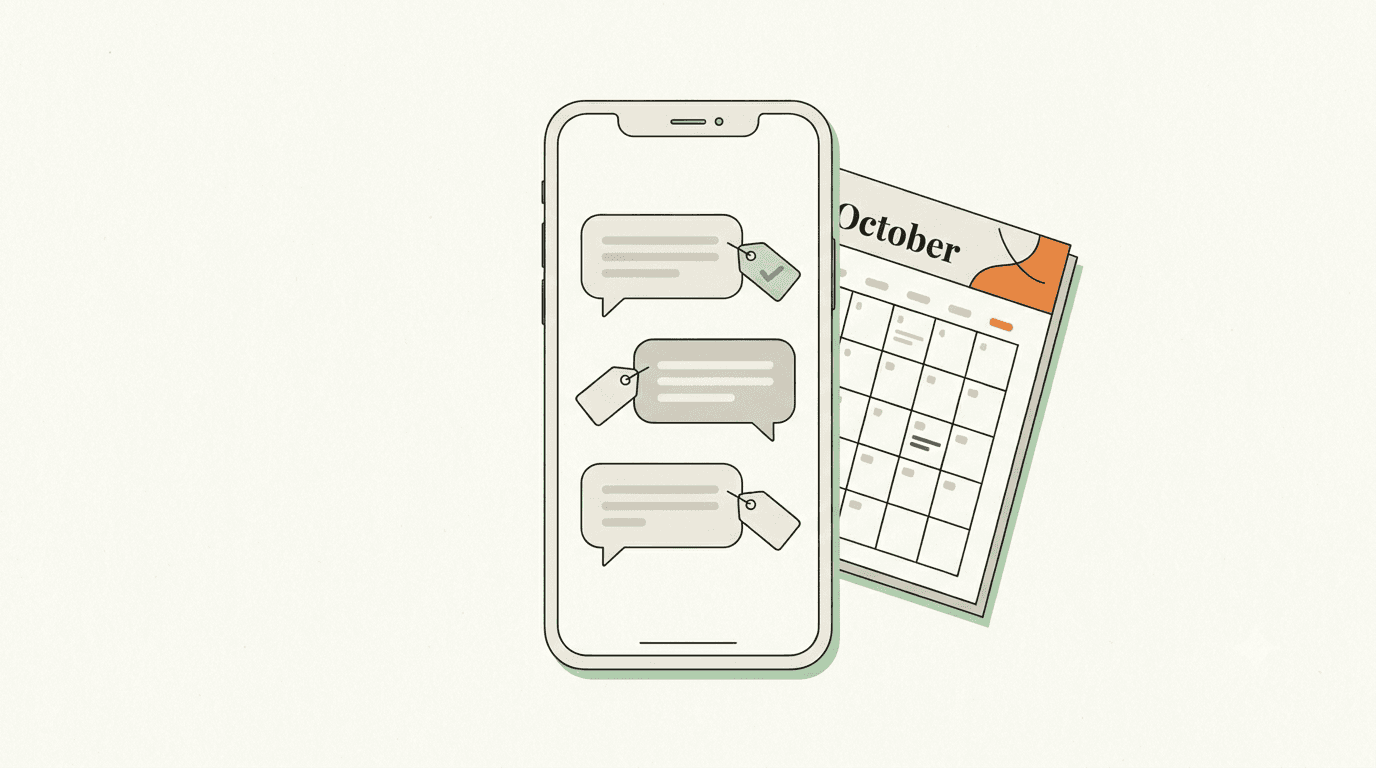
On WhatsApp, a chatbot is a flow: a series of steps you design in advance. A step can send a message, ask a question and wait for the answer, show up to three buttons or a list of up to ten options, check an answer and branch, save what the customer said, or hand the chat to your team.
It runs on the official WhatsApp Business Platform, not on the WhatsApp Business app on your phone. It answers inside the 24-hour window that opens when a customer messages you, which is exactly when customers expect a fast reply.
Chatbot, auto-reply or AI agent?
These three get mixed up, and they do different jobs:
- An auto-reply sends one fixed message, like "Thanks, we'll reply soon". Useful, but it doesn't move the conversation forward.
- A chatbot follows the steps you designed. It's predictable: the same question always gets the same path. That makes it right for structured jobs like booking, qualifying a lead or collecting details.
- An AI agent reads a free-form question and writes an answer from information you've given it. It's flexible, but needs clear limits on what it can say.
Many businesses use a chatbot for structured tasks and an AI agent for the open questions that the chatbot doesn't cover. We wrote about the AI side in Your Customers Don't Want a Chatbot. They Want an Answer.
What a good WhatsApp chatbot does
The most common chatbots do one job well:
- Qualify leads. Ask a name, a company, a budget and a need, then send hot leads straight to sales.
- Book appointments. Offer services and time slots, collect a phone number, confirm.
- Answer frequent questions. Hours, delivery areas, prices, returns, with buttons for the common ones.
- Collect feedback. Ask for a rating after a purchase or visit and save it on the customer's record.
- Take payments. Send a payment link and continue the flow once it's paid.
- Route the chat. Ask "Sales, support or something else?" and pass the chat to the right team.
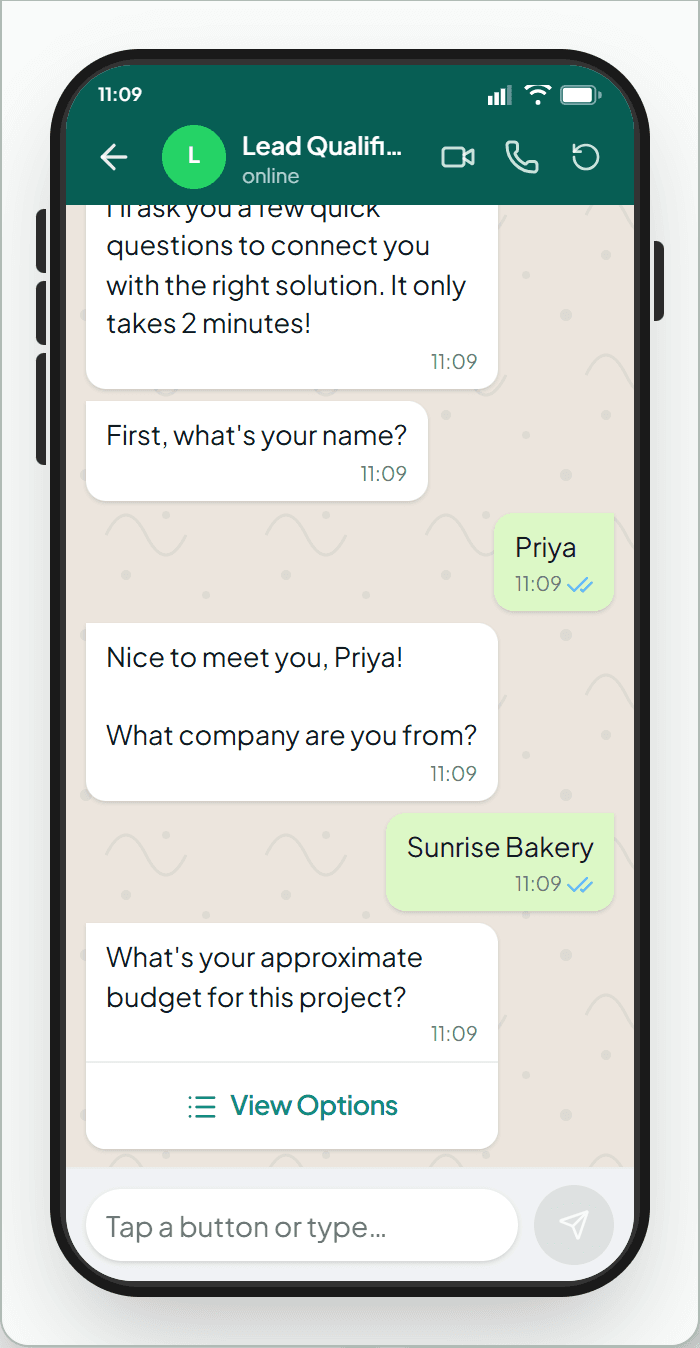
The WhatsApp rules your chatbot has to follow
- Buttons and lists have limits. A message can carry up to three reply buttons, with titles of up to 20 characters. Longer menus become a list of up to ten options. Short, clear option names work best.
- It replies inside the 24-hour window. Chatbots answer customers who've just messaged you. To start a conversation with someone who hasn't, you need an approved template message.
- There must be a way to reach a person. WhatsApp's Business Messaging Policy says businesses using automation must have "prompt, clear, and direct escalation paths", such as an in-chat transfer to a human agent, a phone number or an email.
- It should be about your business. Meta's Terms for the WhatsApp Business Platform bar AI providers from using the platform when their AI is the "primary (rather than incidental or ancillary) functionality" on offer. A general-purpose AI assistant as the product is what that targets; a support, booking, ordering or FAQ bot for your own customers is the ordinary use.
Do you need one? A quick test
You probably do if:
- The same five or ten questions make up most of your WhatsApp messages.
- Customers message outside working hours and wait until morning.
- Every lead needs the same three or four details before someone can help.
- Bookings, orders or payments start in chat and involve back-and-forth.
You probably don't yet if:
- You get a few conversations a day and each one is different.
- Your customers expect a personal conversation from the first message, and you can reply quickly.
- You don't yet know which questions come up most. Spend a month reading your chats first.
How to build one without writing code
In WAPGROWAI, chatbots are built on a canvas: drag in blocks such as Message, Question, Condition, Assign Team, WhatsApp Flow or a payment request, and connect them with arrows. You don't have to start from a blank page:
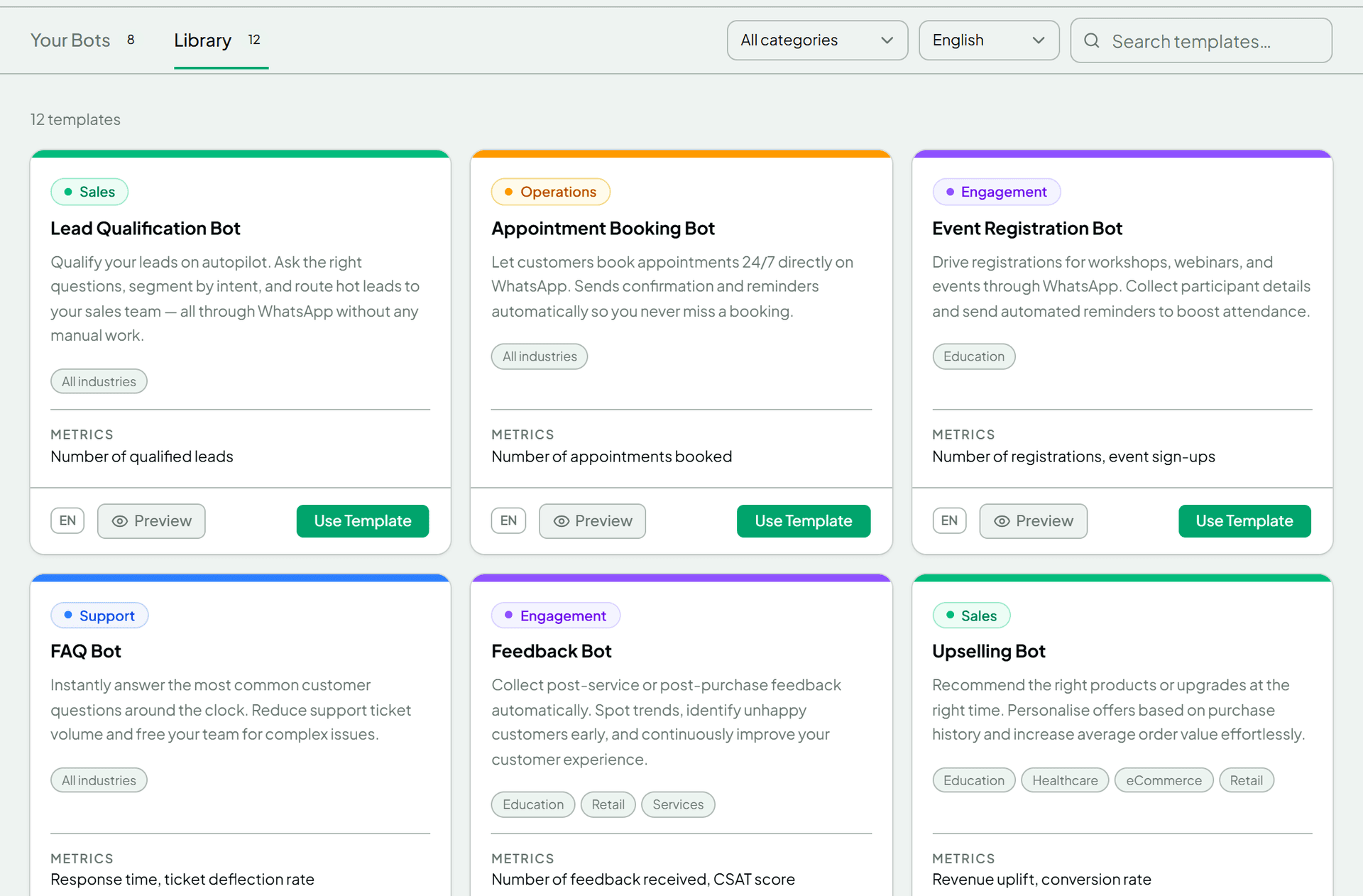
- Start from a template, or describe the bot in plain words and let the AI flow generator draft it.
- Test it in the preview before any customer sees it: type answers and tap options just as a customer would.
- Decide what happens when it doesn't understand. If a customer's reply doesn't match the options a few times (three by default), the bot stops and hands the chat to your team.
- Decide when it gives up waiting. An idle timer ends the bot when a customer goes quiet, so the chat sits with your team instead.
- Start it the right way: from a keyword rule ("book", "price"), from a button on a campaign template, or manually from the inbox.
When someone on your team replies to the chat, the bot steps aside and the chat is assigned to them.
Mistakes to avoid
- Too many steps before anything useful. Ask only what you need, and give something back early.
- No way out. Always include a "talk to a person" option.
- Menus that hide the obvious. If most people want prices, put prices first.
- Never reading the conversations. Look at where customers drop off or type instead of tapping, and fix those steps.
FAQ
Is a WhatsApp chatbot free?
The bot itself depends on your platform. WhatsApp charges per message on the Business Platform: since October 2026, each number gets 1,000 free delivered replies (service messages) a month inside the 24-hour window, and replies beyond that are charged. We explain the details in WhatsApp's Pricing Changed on October 1.
Can I use a chatbot with the WhatsApp Business app?
The app has simple greeting and away messages. Full chatbots run on the WhatsApp Business Platform. With coexistence, you can keep using the app on the same number while a platform runs your chatbots.
Will customers know they're talking to a bot?
WhatsApp's policy focuses on giving people a clear way to reach a human. Being upfront that it's an automated assistant is good practice anyway: it sets expectations.
How long does it take to set one up?
A simple bot from a template can be ready the same day. Plan a week of watching real conversations before you call it finished.
Does a chatbot replace my team?
No. It handles the repetitive first steps so your team spends its time on the conversations that need a person.
Next step
Start with one job, the question you answer most, and build a bot for just that. If you want to try it on your own number, WAPGROWAI has a ready-made template library and a preview to test with. WAPGROWAI is built by DI Solutions, a custom software and AI development company.
Sources
Three more,
worth your time
Ready togrow on WhatsApp?
Join 10,000+ businesses turning conversations into revenue.
Start free trialBook a demo