
Your Customers Don't Want a Chatbot. They Want an Answer.
What an AI agent on WhatsApp is good at, where it should stop, and how to set one up so it knows the difference.
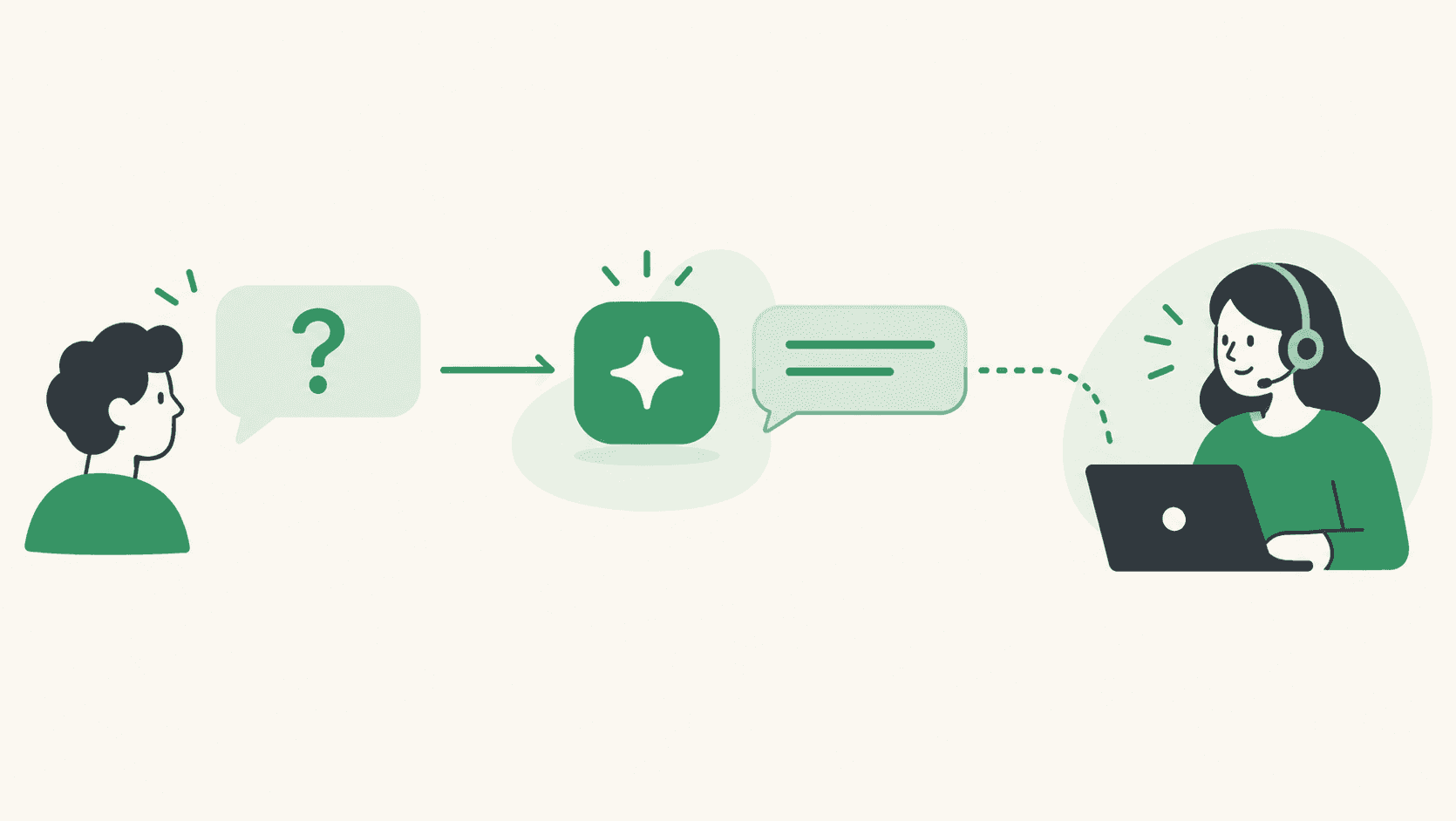
Most people have met the WhatsApp bot that replies “Please choose an option: 1, 2 or 3” to a perfectly clear question. They don't want a menu. They want to know whether you deliver to their area, whether the blue one comes in medium, and whether you're open on Sunday — in one reply, in their own words.
That's the promise of an AI agent: it reads the question, answers from what it knows about your business, and replies like a person would. It's also where things go wrong. An AI that confidently invents a discount, promises a delivery date you can't meet, or argues with an angry customer does more damage than no bot at all.
This article covers what an AI agent on WhatsApp is good at, where it should stop, and how to set one up so it knows the difference.
What an AI agent is genuinely good at
- The questions you answer every day. Opening hours, delivery areas and times, return rules, how to track an order, which product suits which need.
- Questions phrased in a hundred different ways. “do u ship to pune”, “delivery in Pune?” and “how long to Pune” are one question. A menu-driven bot needs all three anticipated; an AI agent doesn't.
- Answering in the customer's language. If a customer writes in Hindi or Portuguese, the reply can come back in the same language.
- Being there at 2 a.m. The questions that arrive after hours get answered while your team is offline.
What it should never do
- Invent facts. Prices, stock, hours and policies must come from information you gave it — not from a good guess.
- Make commitments only a person can make. Refunds, exceptions, custom quotes, delivery promises.
- Pretend to be able to do things it can't. If it can't place an order or take a payment, it shouldn't say it will.
- Keep a frustrated customer away from a human. The fastest way to lose a customer is a bot that won't let them speak to someone.
Three answers a good agent can give
The safest agents don't just answer everything. For every message, they decide between three responses:
- Answer it — the question is about your business, and the answer is in what it knows.
- Politely decline — the question is unrelated (“write my homework”, “what do you think of the election”).
- Hand it to a person — the customer asks for someone, or is clearly frustrated.
In WAPGROWAI, that decision is made by a separate check before the AI writes anything. Declines and handoffs aren't generated by the AI at all — they're fixed sentences, so an off-topic or hostile message can't talk the agent into saying something it shouldn't. A customer who types “can I speak to someone?” gets “I'll pass you to someone from our team — one moment.”, and the agent stops replying in that chat.
Setting one up: it's mostly writing
The quality of an AI agent depends far more on what you tell it than on the AI itself. In WAPGROWAI the agent works from a single business profile: an overview of your business that you write in the app or upload as a text file.
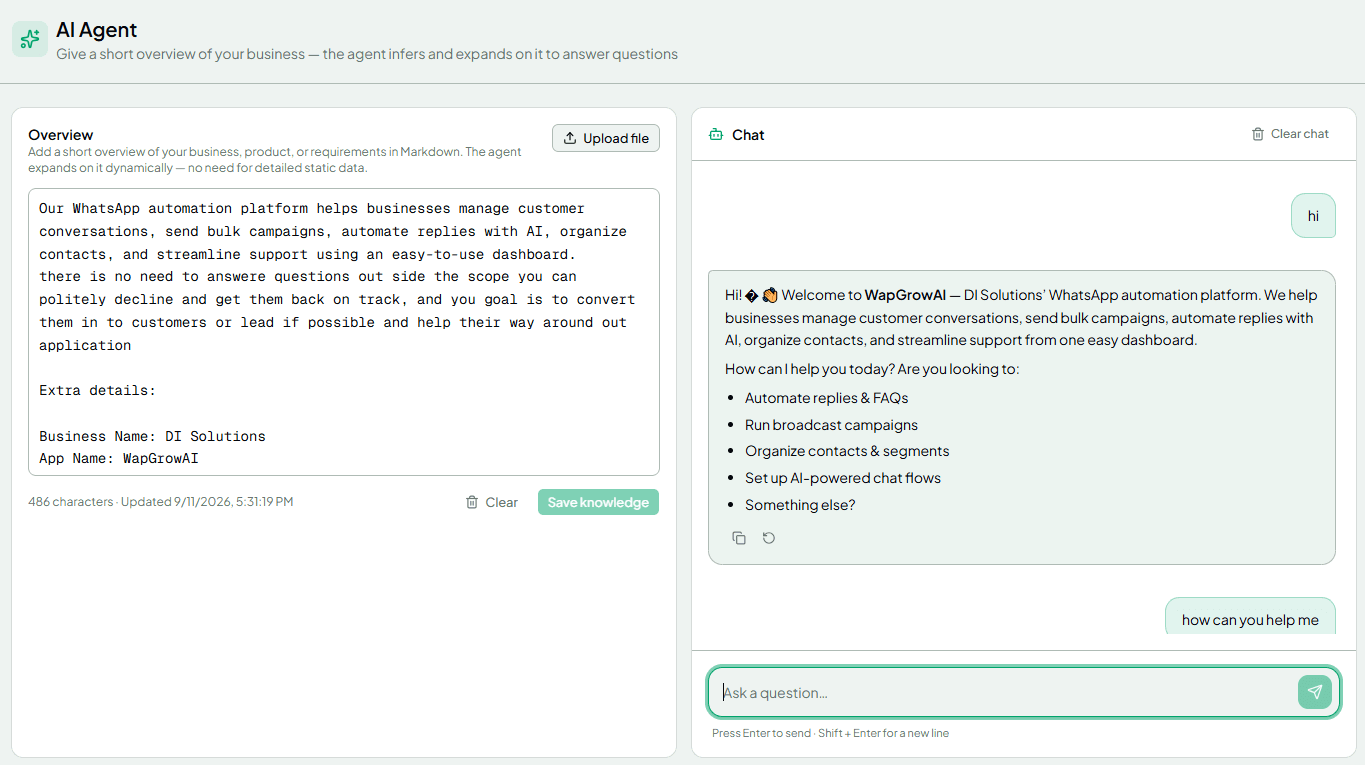
A good overview reads like the briefing you'd give a new team member on their first day:
- What you sell, and who for.
- Opening hours, delivery areas and delivery times.
- Prices you're happy to quote, and how discounts work.
- Return, exchange and refund rules.
- Things the agent must not promise — custom orders, exact delivery dates, discounts beyond the published ones.
- When a person should take over.
The agent is instructed to answer only from this profile, to keep replies short (a few sentences — this is WhatsApp, not email), and to say it can't confirm something rather than guess. It can't place orders, take payments or make bookings itself.
Before it talks to a single customer, test it. The AI Agent page has a test chat: ask it the twenty questions your team answers most, plus a few awkward ones, and fix the profile wherever an answer is wrong or vague.
Putting it to work
An AI agent doesn't have to answer everything, all the time. Common ways to start:
- After hours only. A rule starts the agent on new messages outside your working hours; your team handles the daytime.
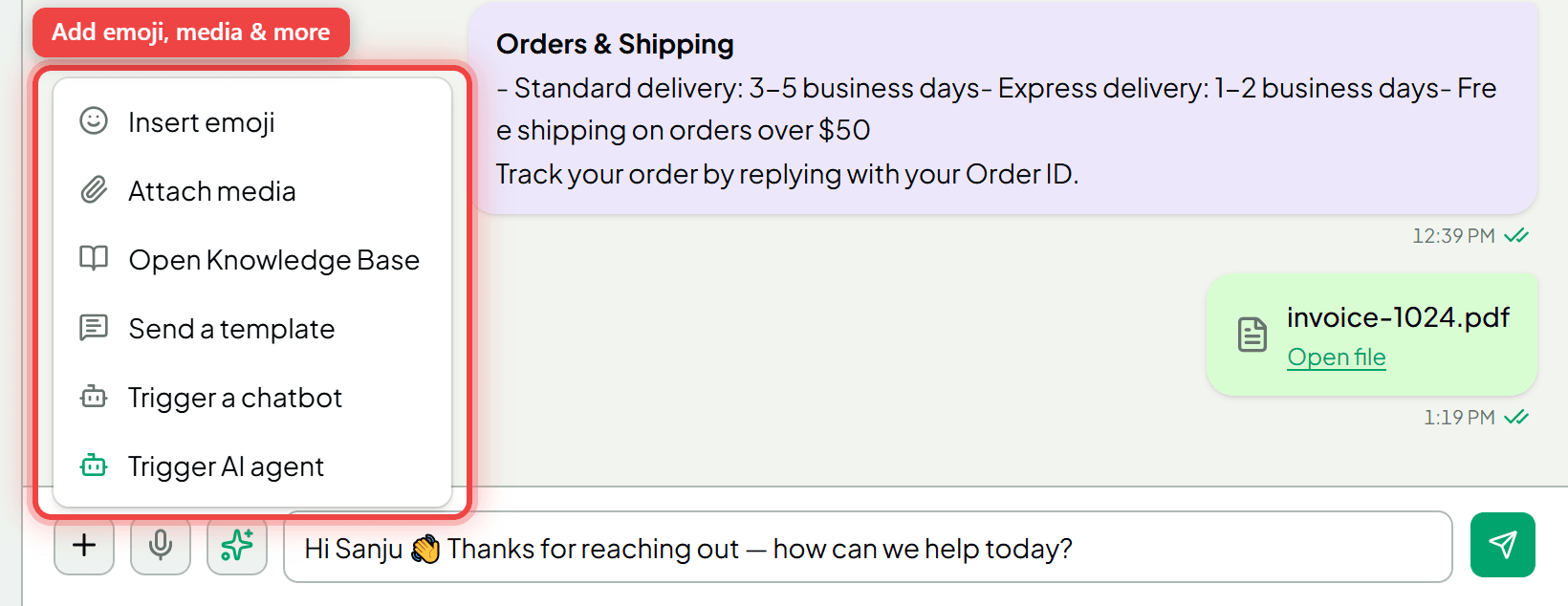
- On a specific chat. From the inbox's + menu, an agent can choose Trigger AI agent to let the AI take a conversation while they're busy.
- First line for everyone, once you trust the answers.
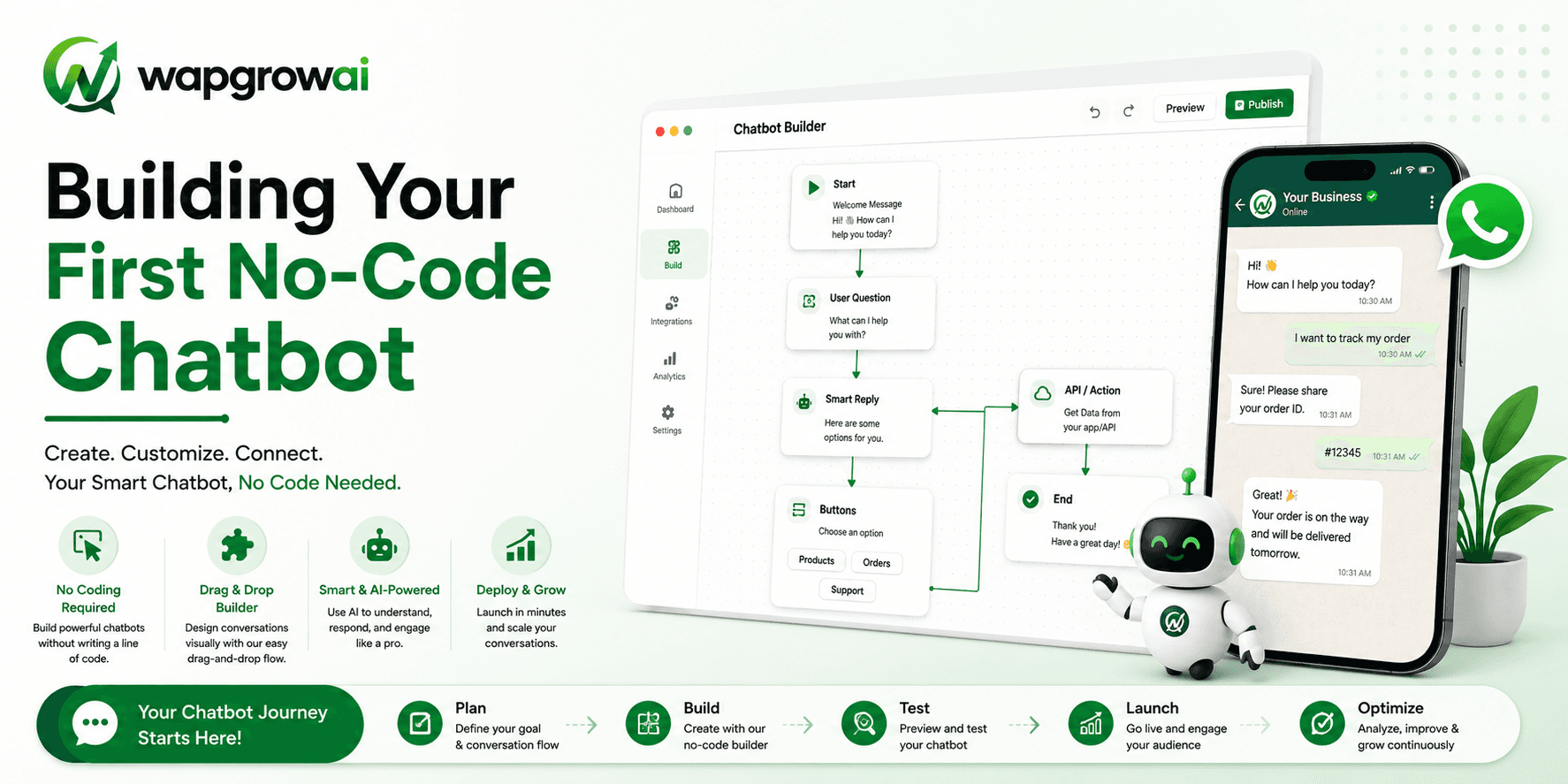
Structured chatbots still have a place alongside it. If a keyword should always start a fixed flow — booking, order tracking, a lead form — WAPGROWAI runs that chatbot first, and the AI agent answers what the flows don't cover.
AI that helps your team instead of replacing it
Not every use of AI has to talk to customers directly. Some of the most useful features sit next to your team:
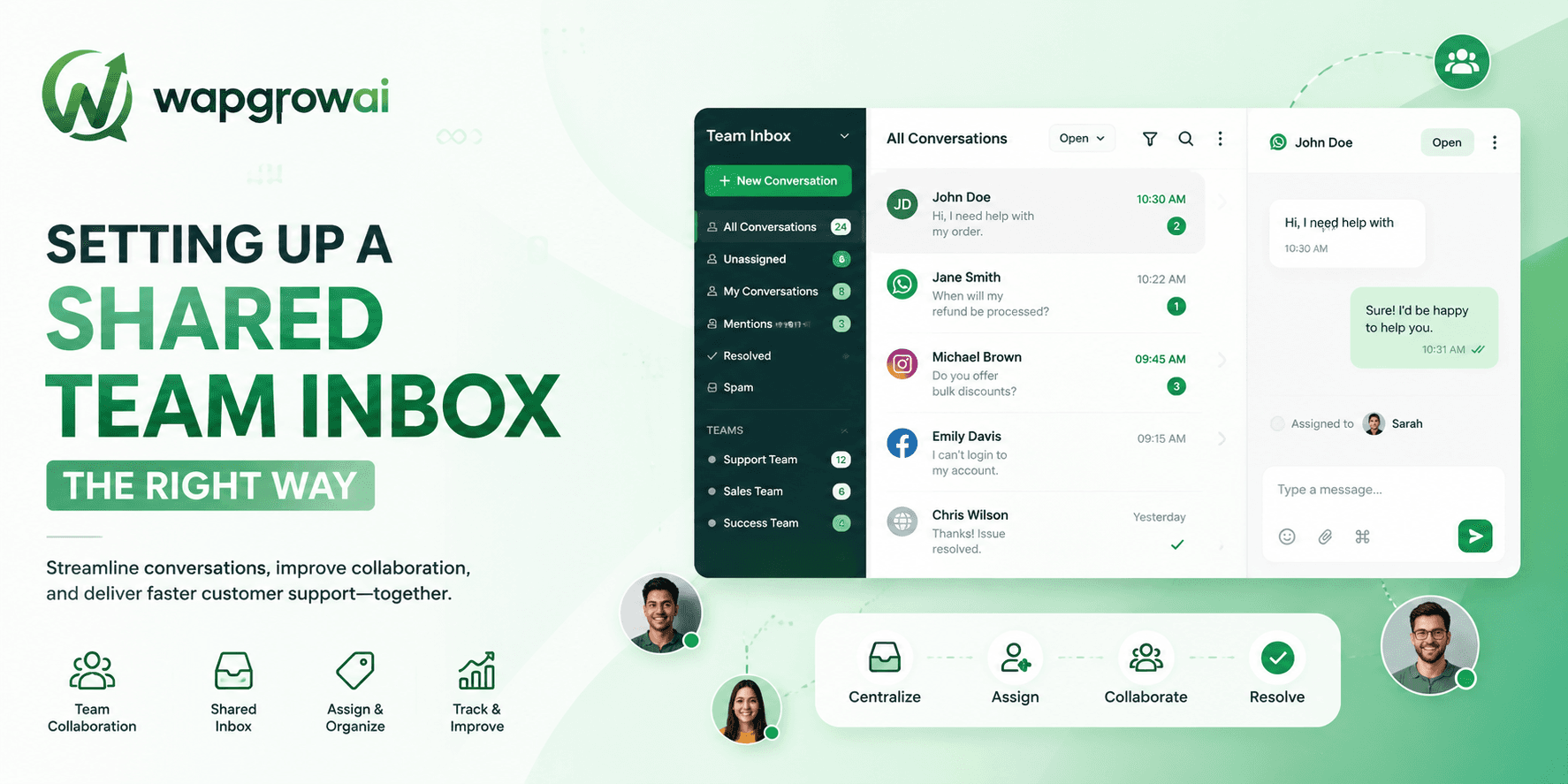
- Suggested replies. In the inbox, “Suggest a reply with AI” drafts an answer from the same business profile and puts it in the reply box. It never sends on its own; the agent edits and decides.
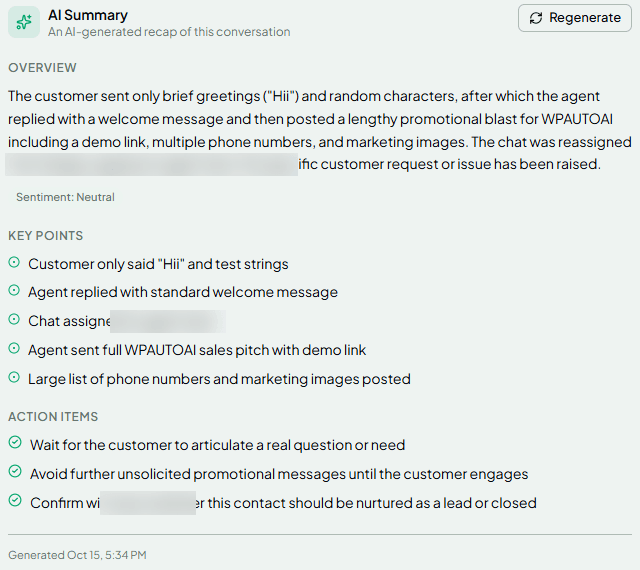
- Conversation summaries. Open a long chat and get a short summary, the key points, suggested next steps for the agent, and the customer's overall sentiment — useful when a chat changes hands.
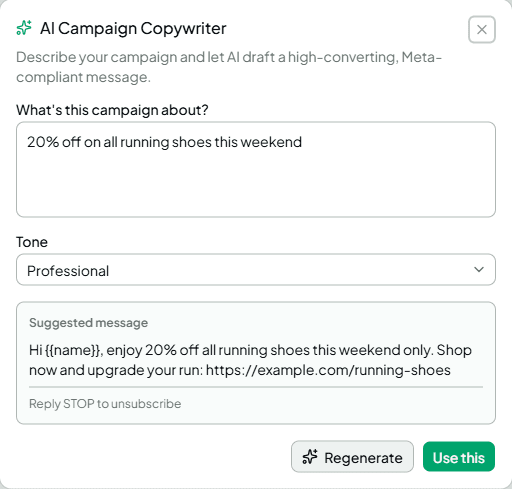
- Campaign copy. The AI copywriter drafts a template message from a one-line brief and a tone, ready to edit and submit for Meta's approval.
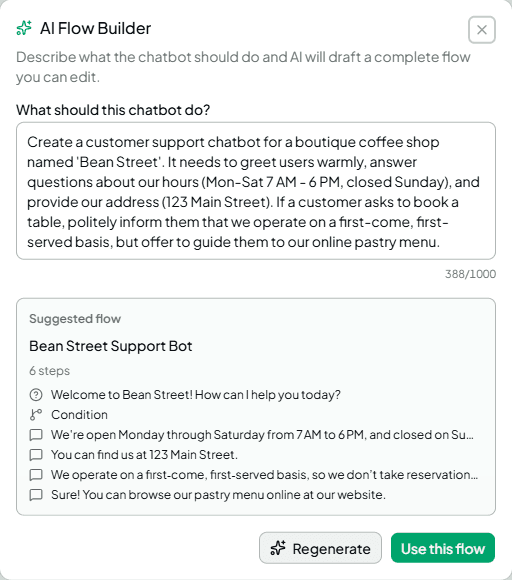
- Chatbot drafts. Describe a goal in plain words and get a first version of a chatbot flow to refine.

Limits worth knowing before you switch it on
- It works with text. The agent reads written messages and captions. If your customers mostly send voice notes or photos, make sure a person is watching those chats.
- It knows what you told it, and nothing else. When prices, stock or policies change, update the profile the same day.
- A handoff needs someone to pick it up. When the agent hands over, the chat waits in the shared inbox for your team. Make sure someone watches for those chats — a handoff nobody sees is worse than no AI.
- Every reply is a WhatsApp message. Since October 2026, Meta charges for replies inside the 24-hour window beyond the first 1,000 a month per number, whether a person or an AI sends them.
A simple way to start
- Write the business profile as if briefing a new hire.
- Test it with your twenty most common questions and five awkward ones.
- Turn it on for after-hours messages first.
- Read a sample of its chats every week, and fix the profile where answers were weak.
- Widen its hours once you trust it.
Customers don't care whether the answer came from a person or an AI. They care that it was right, that it came quickly, and that a human was there when they needed one. Set the agent up for those three things, and it earns its place.
For the setup steps, see the AI agent guide; for how automation and people share an inbox, see What Happens After a Customer Messages Your Business on WhatsApp.
Sources
- Pricing on the WhatsApp Business Platform — Meta for Developers
Three more,
worth your time

Ready togrow on WhatsApp?
Join 10,000+ businesses turning conversations into revenue.
Start free trialBook a demo