
You Don't Have a Lead Problem. You Have a Reply-Time Problem.
Why WhatsApp leads go cold while they wait for a reply, and five fixes that don't need more staff.

You pay for the ad. Someone sees it, taps the WhatsApp button and types “Hi, what's the price for the 2-bedroom?” Then the message sits there. Your team is in a meeting, the person who handles WhatsApp is on leave, or the chat is buried under forty others. By the time someone replies, three hours later, the customer has asked two of your competitors the same question, and one of them answered in five minutes.
Many businesses read that as a lead-quality problem: the leads are “not serious”, the campaign “isn't working”. Often the leads were fine. They just went cold while they waited.
This isn't new. A Harvard Business Review study of how companies handle online enquiries, The Short Life of Online Sales Leads, put it bluntly: “most companies are not responding nearly fast enough.” On WhatsApp, where the customer is sitting in a chat app expecting a chat, the gap feels even longer.
This article covers why reply time matters so much on WhatsApp, how to measure it, and five fixes that don't need more staff.
Why reply time matters more on WhatsApp
- Customers message several businesses at once. Asking three shops the same question takes thirty seconds. The first useful answer often wins.
- A chat app sets a chat expectation. Few people expect an email answer in five minutes. On WhatsApp, an hour of silence reads as “nobody's there”.
- Waiting too long closes the door. When a customer messages or calls you, WhatsApp opens a 24-hour window in which your team can send ordinary replies. Once 24 hours pass without a new message or call from them, you can only reach them with a pre-approved template message, which Meta charges for. (Leads from Click to WhatsApp ads also open a free entry point window, during which Meta doesn’t charge for your messages, but the 24-hour rule on what you can send still applies.)
So a slow reply doesn't only risk the sale. Past a day, it changes what you're allowed to send.
First, measure it
“We reply quickly” is what every team believes about itself. Three numbers tell you whether it's true:
- Time to first reply from a person. Not the automatic greeting — the first real answer.
- Missed chats. Conversations where the 24-hour window closed and nobody on your team ever replied. These are the leads you lost without ever replying.
- Where chats wait. How many conversations are sitting unassigned, belonging to nobody.
In WAPGROWAI, the inbox analytics page shows missed chats next to open, pending and solved conversations, for any date range, team or set of agents. A per-agent table adds each person's average first response time and resolution time.
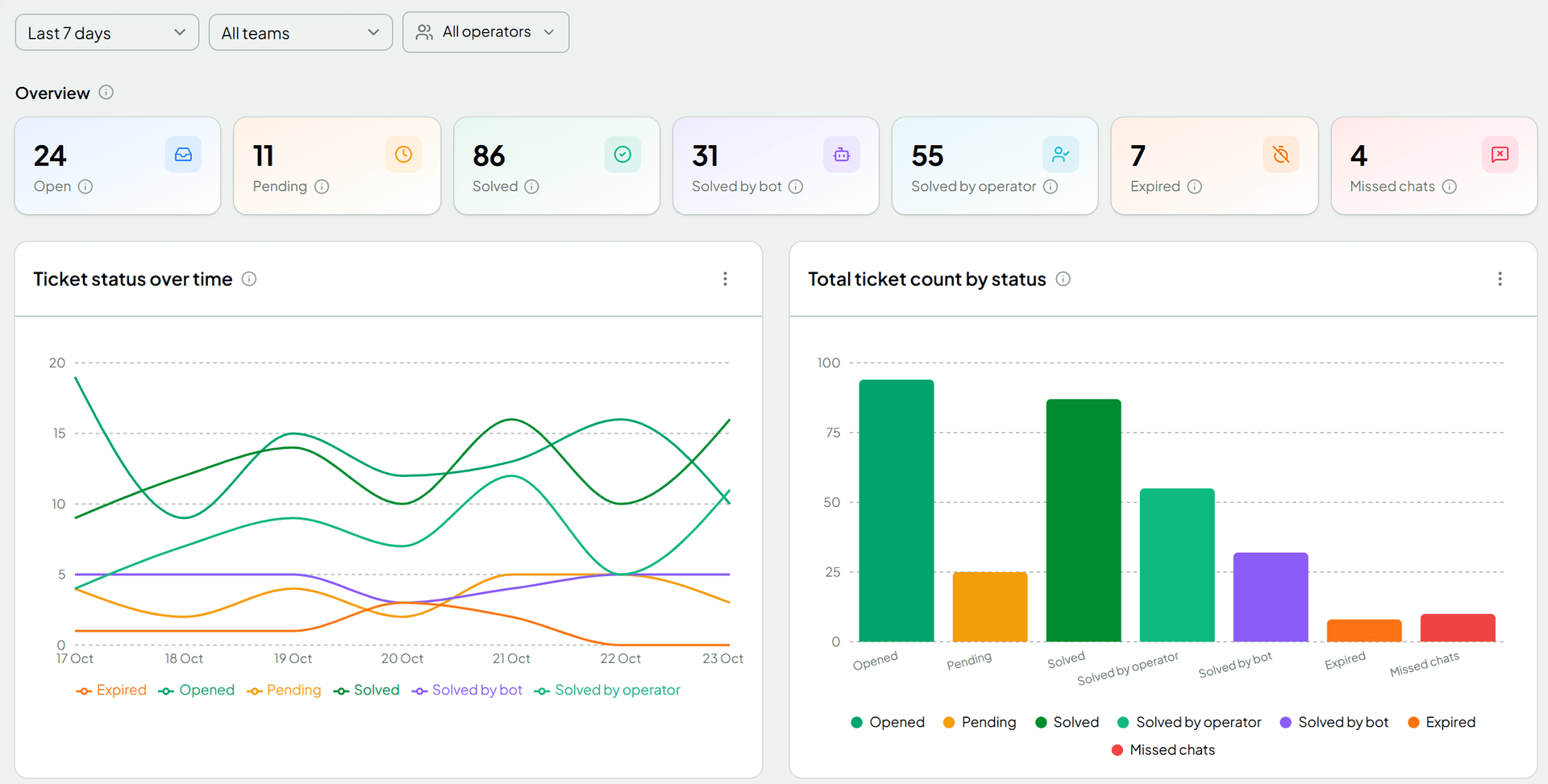
Look at a week before you change anything. The number you'll most want to bring down is the missed chats.
Fix 1: Reply instantly, even before you have the answer
The first reply doesn't have to solve anything. It has to tell the customer they've reached a real business and what happens next.
- During working hours: “Thanks for messaging! Someone from our team will reply within 15 minutes.”
- Outside working hours: “We're closed right now. We're open 9 a.m. to 6 p.m., Monday to Saturday, and we'll reply first thing.”
Be specific, and only promise what you'll keep. “An agent will be with you shortly” at 11 p.m. is worse than an honest “tomorrow morning”.
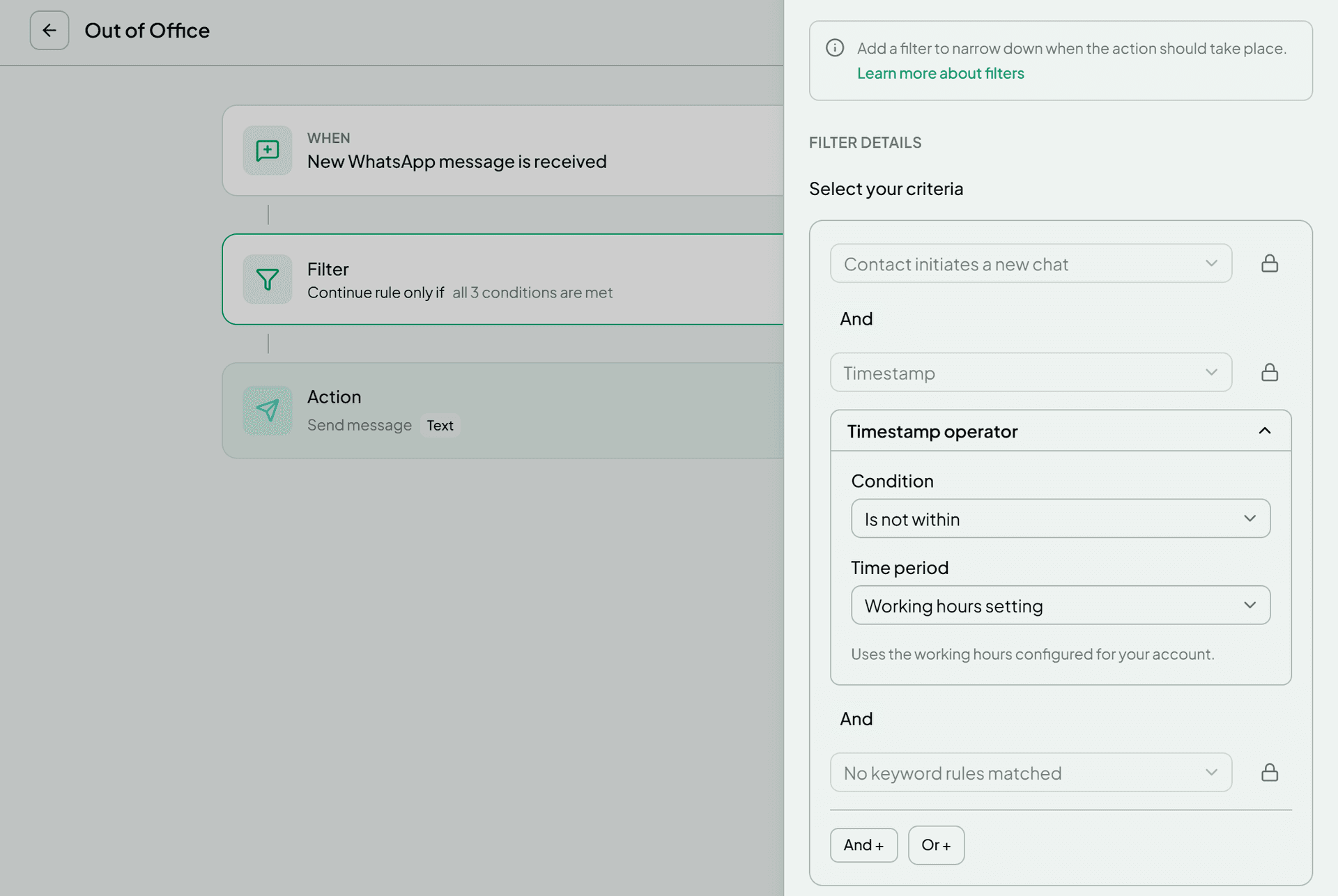
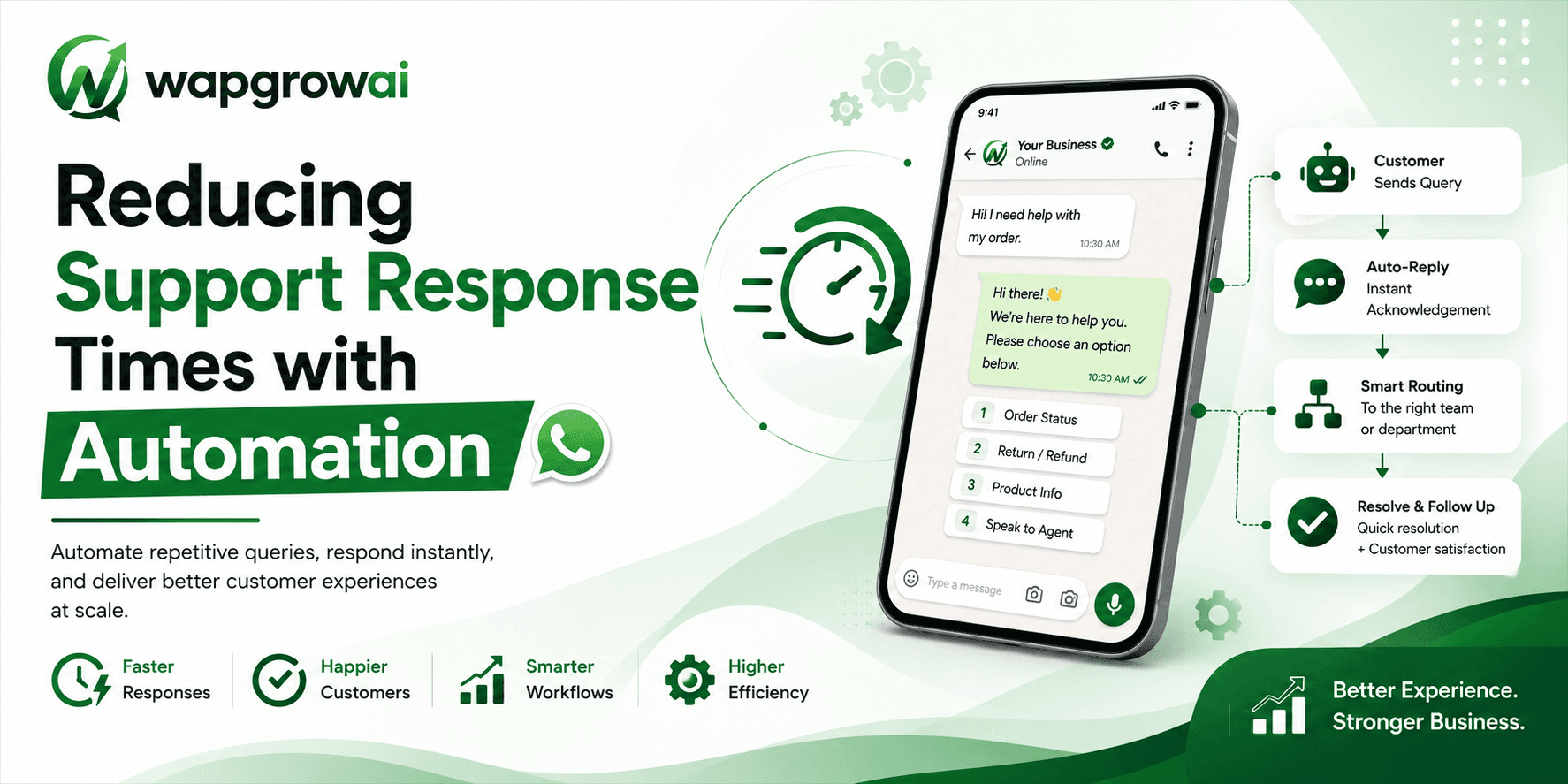
WAPGROWAI has both of these as built-in rules, a Welcome Message and an Out of Office message, which follow the working hours you set for each day of the week. They send the first time a new contact messages you, so a returning customer isn't greeted again on every message. Both start switched off: choose the message each one sends, then turn them on.
Fix 2: Route the chat before anyone replies
A lot of reply time is really “whose chat is this?” time. A pricing question waits while support assumes sales has it, and sales assumes support does.
- Route by what the customer says. A rule can send messages containing “price”, “quote” or “demo” to the sales team, and “refund” or “order” to support.
- Let the customer choose. A short chatbot question (“Sales, support or something else?”) routes the chat in one tap. WAPGROWAI's chatbot can then assign it to the team member with the fewest open chats, so work spreads evenly.
- Make sure someone knows. When a chat is assigned, the person or team it goes to gets a notification, in the browser or as a push notification.
Fix 3: Make waiting chats impossible to miss
Chats get missed because nobody can see them, not because nobody cares. A few habits help:
- Work from the “Unassigned” view at the start of every shift, and from “Unread” during it.
- Watch the clock on each chat. WAPGROWAI shows how much of the 24-hour window is left on every conversation, and turns it amber in the last hour, so the chats closest to closing get answered first.
- Agree who owns the inbox at each hour of the day, including lunch and weekends. A shared inbox with no owner is nobody's inbox.
Fix 4: Stop typing the same answer twenty times a day
Every team has the same ten questions: prices, delivery areas, timings, how to pay, how to return. Typing those from scratch is where minutes go.
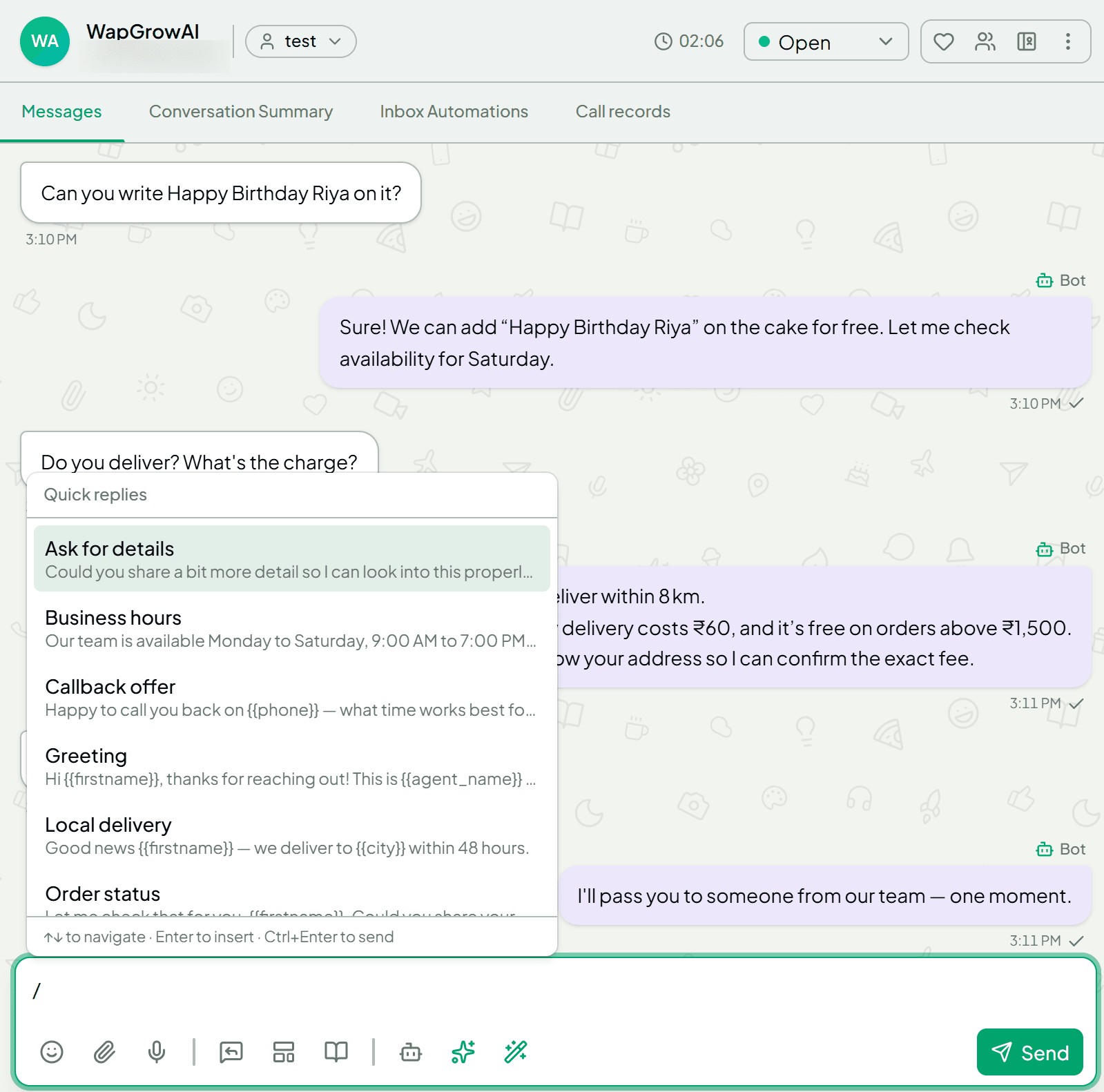
- Quick replies. In WAPGROWAI, typing / in the reply box opens your saved answers. Pick one, and the customer's name (and other details you've saved about them) fills in automatically. Edit, then send.
- A suggested reply. The “Suggest a reply with AI” button drafts an answer from your business profile and puts it in the reply box. Nothing is sent until a person presses send.
Fix 5: Let automation answer the easy questions
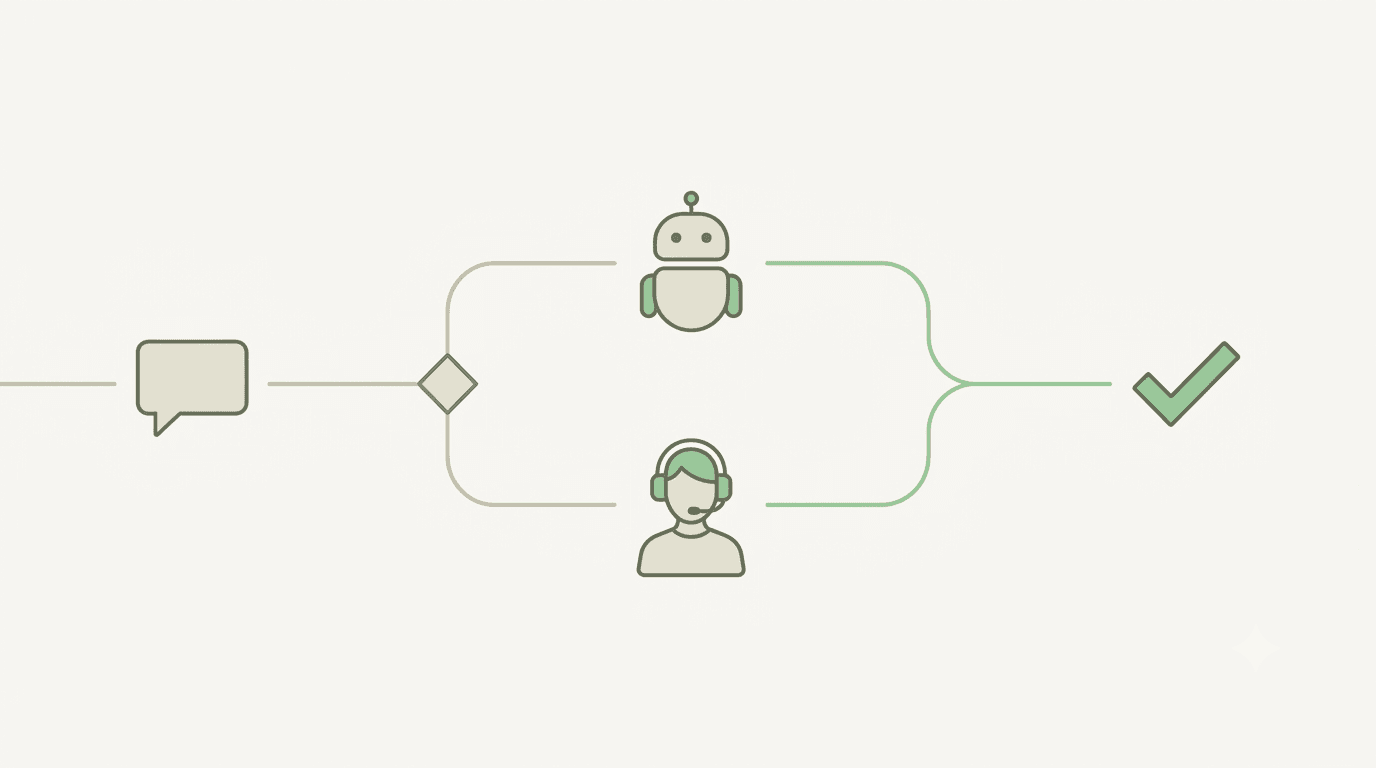
Some questions don't need a person at all: opening hours, “where's my order”, “send me the catalogue”. A chatbot can answer those in seconds, at any hour, and hand everything else to your team. An AI agent can go further and answer questions in the customer's own words from what you've told it about your business. We wrote about where that works and where it shouldn't in Your Customers Don't Want a Chatbot. They Want an Answer.
The rule for both: automation should shorten the wait for a person, never replace the way to reach one.
What not to do
- Don't fake speed. An instant greeting followed by four hours of silence teaches customers that your greeting means nothing.
- Don't trap people in menus. If someone types “I want to talk to a person”, a person should answer.
- Don't measure only the average. A good average can hide the twenty chats a week that nobody answered. Watch the missed chats.
A one-week plan
- Day 1: Note your missed chats and average first reply time for last week.
- Day 2: Set your working hours, write an honest welcome and out-of-office message, and switch them on.
- Day 3: Route chats by keyword or with a one-question chatbot, so every chat has an owner.
- Day 4: Save your ten most-typed answers as quick replies.
- Day 5: Agree who watches the inbox at every hour, including breaks and weekends.
- Day 7: Compare missed chats with last week.
You may not need more leads. You may only need to answer the ones you already have before someone else does.
For the setup steps, see the help center guides on working hours, rules and quick replies. For what happens behind the scenes after a customer messages you, see What Happens After a Customer Messages Your Business on WhatsApp.
Sources
- The Short Life of Online Sales Leads — Harvard Business Review
Three more,
worth your time
Ready togrow on WhatsApp?
Join 10,000+ businesses turning conversations into revenue.
Start free trialBook a demo